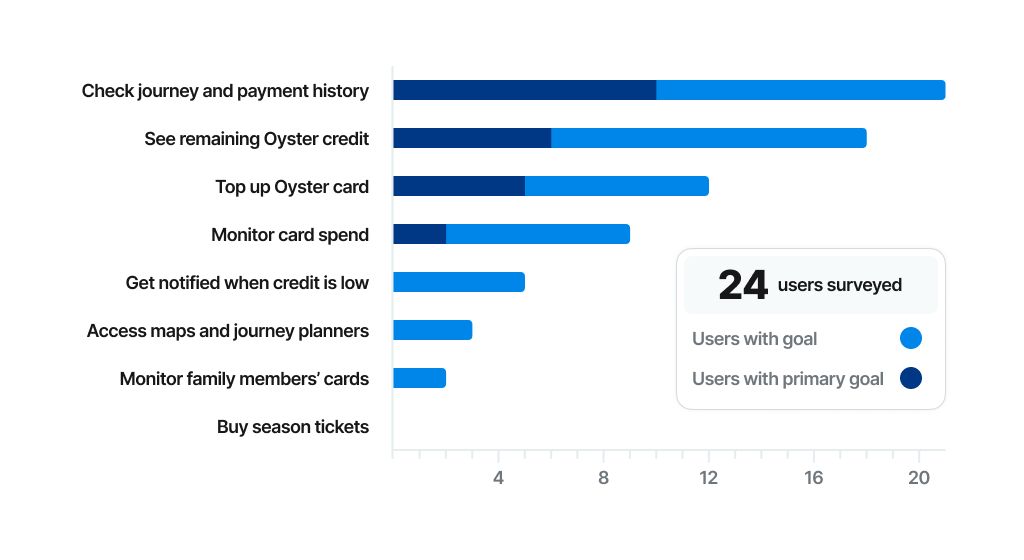
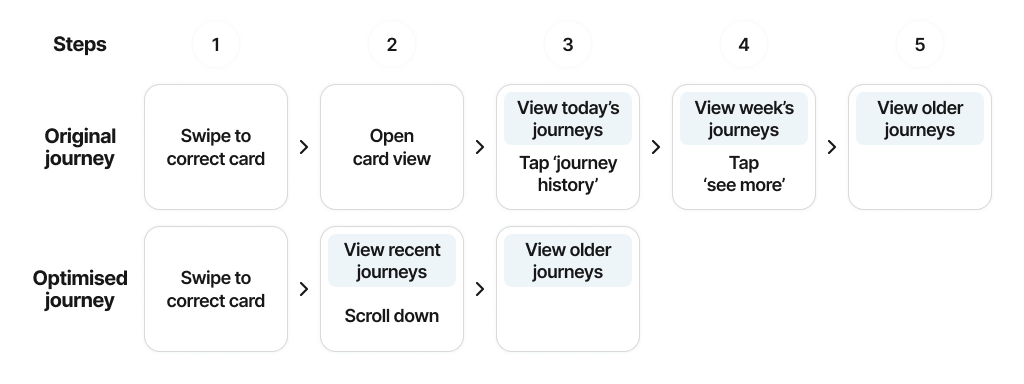
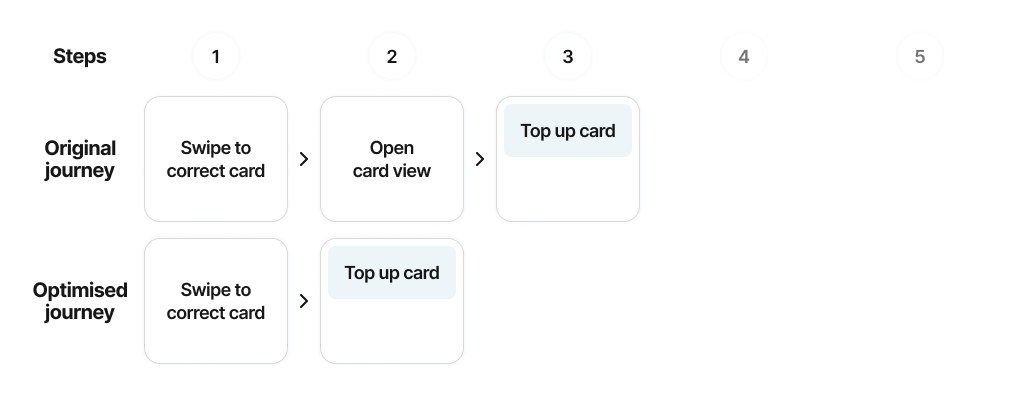
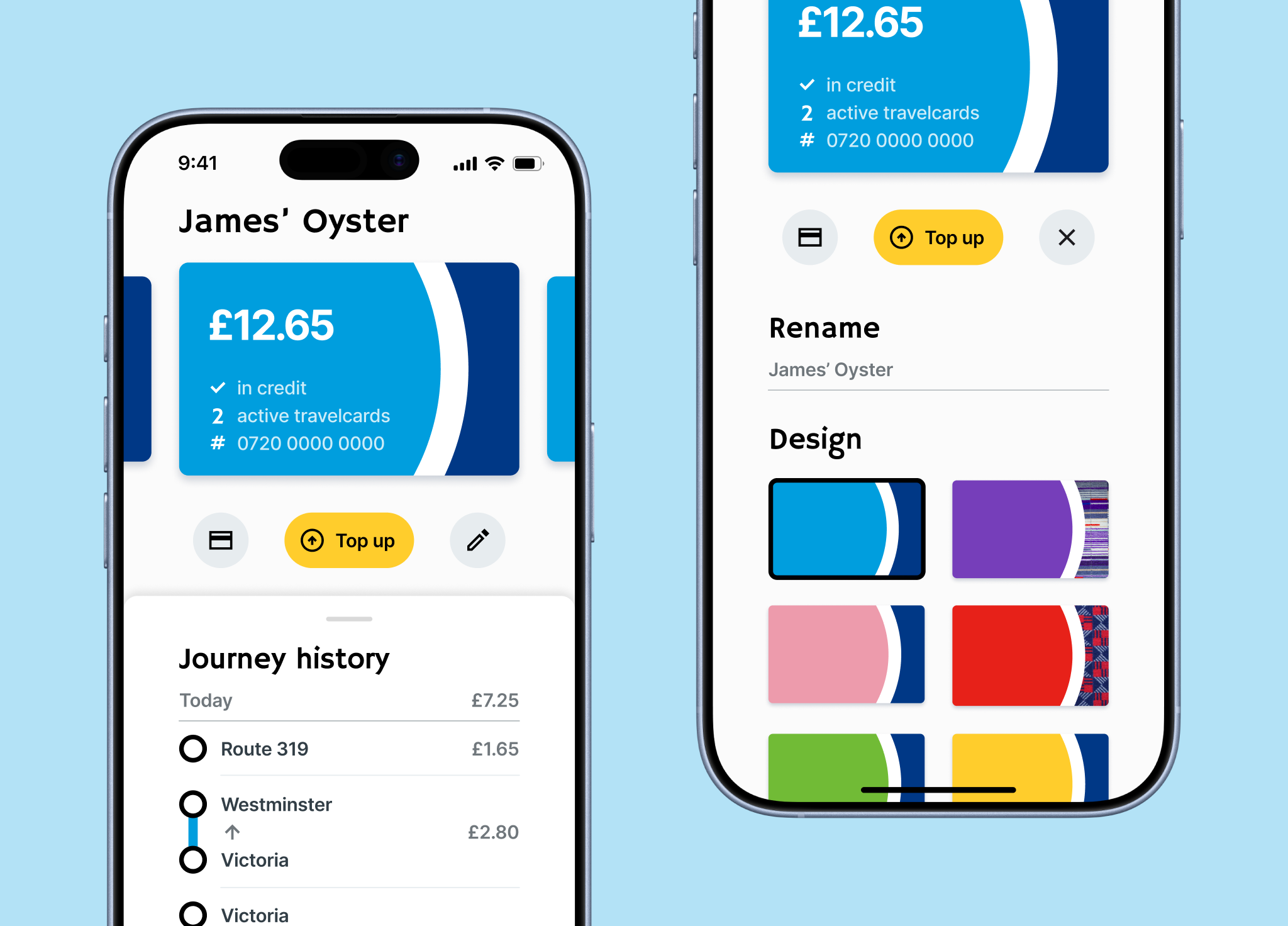
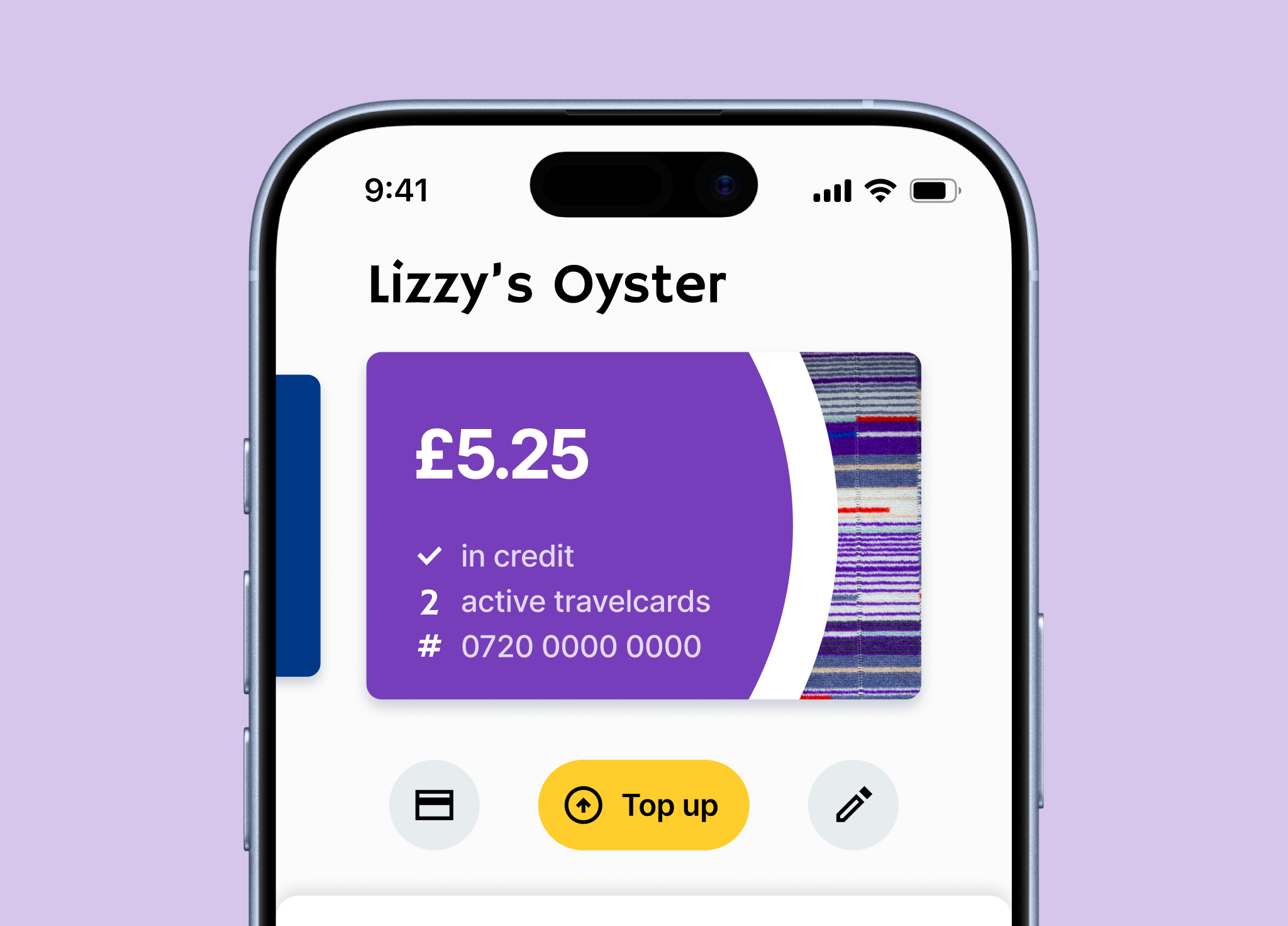
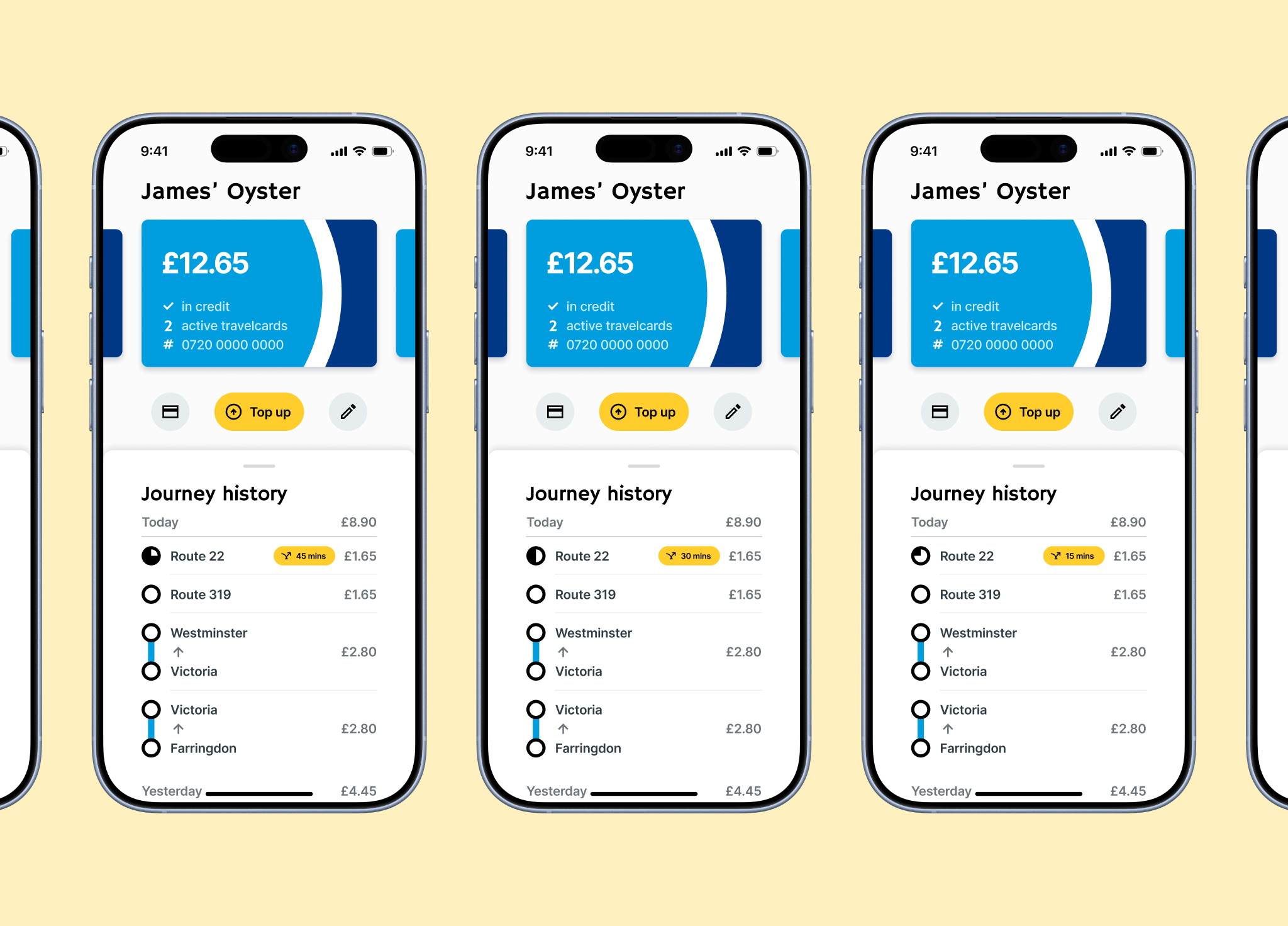
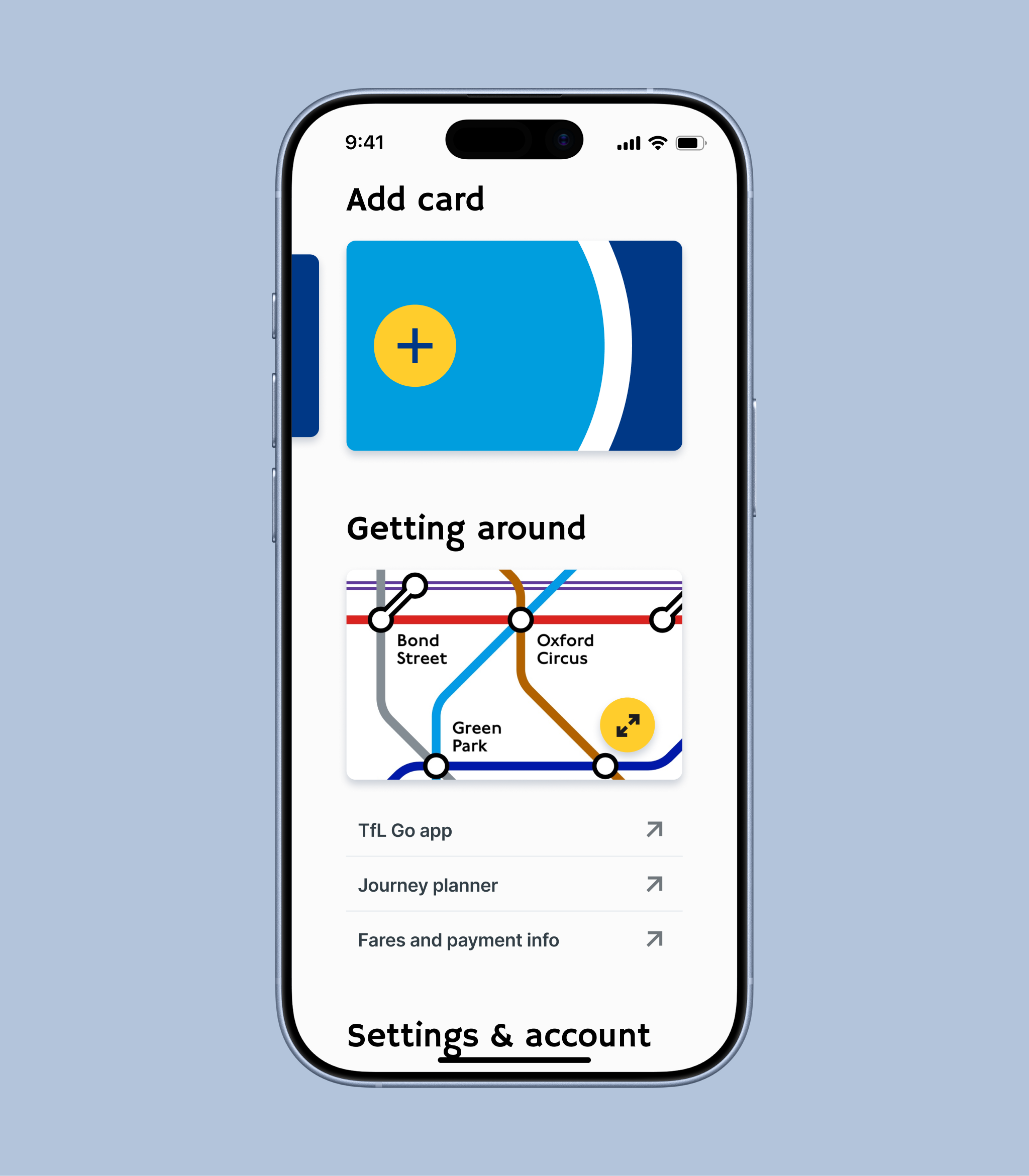
I ran an online survey to understand how and when people use the Oyster app, focusing on primary goals, frequency of use, and pain points. Three usage goals emerged as the clear priority for the majority of users:
Viewing recent journeys.
Checking card balances.
Topping up a card.
Secondary features, such as buying season tickets, were used infrequently but compete for attention on the home screen with the same prominence as primary features, creating unnecessary friction for high-frequency tasks.
Insight: The existing navigation system is not optimised for real user intents.
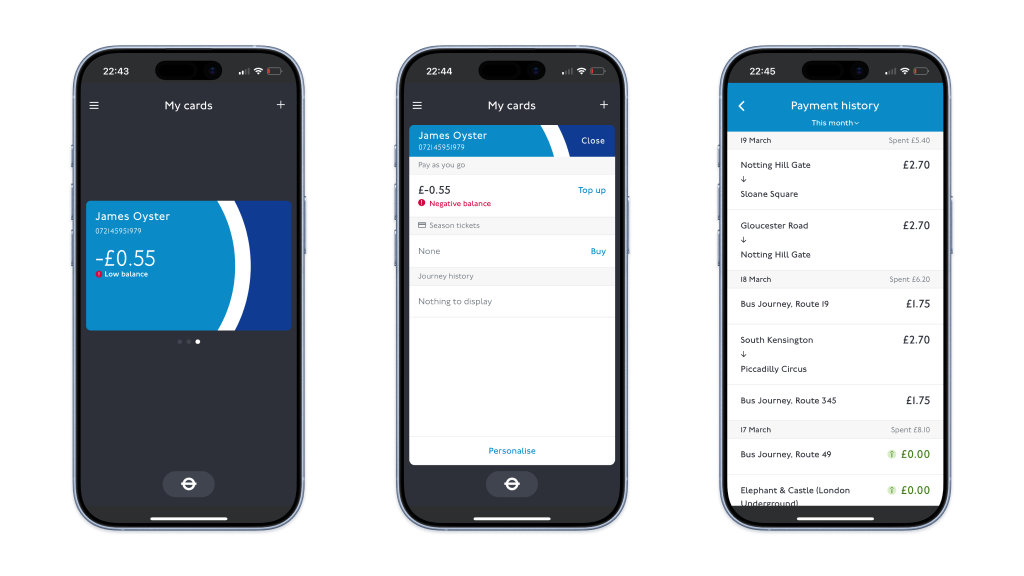
To understand how commuters used the app, I challenged four members of the public at South Kensington tube station to complete the three core goals (view journey history, check card balance, top up card) using the Oyster app. This allowed me to observe several key issues across all journey flows:
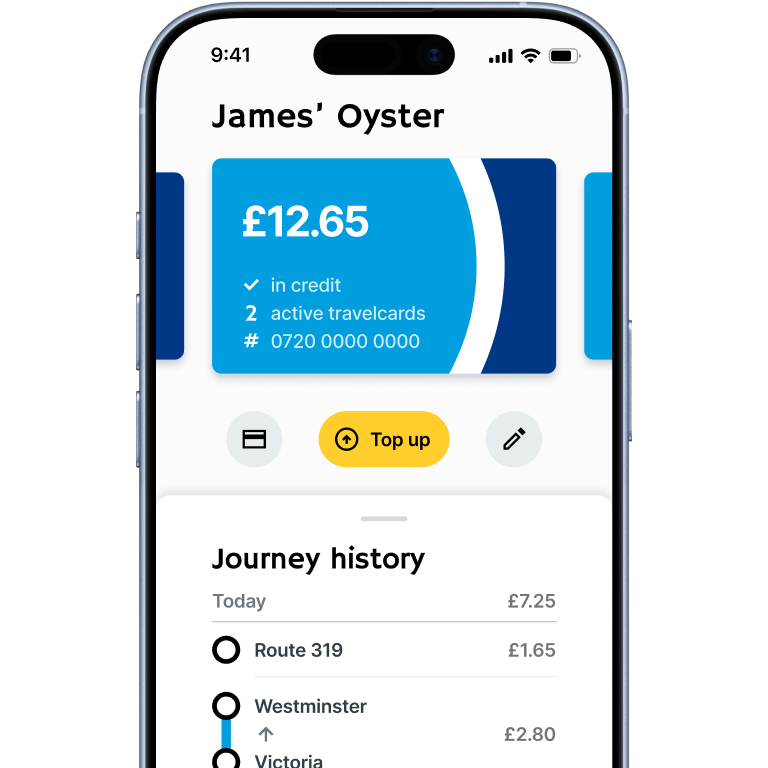
Users frequently struggled to find the correct entry point (especially for topping up or checking journey history), despite there often being multiple routes through the app to reach the desired goal.
Certain UI elements, such as the main card element, were often assumed not to be clickable or swipable due to lack of affordances.
Lack of visual cues on the cards made them hard to distinguish, leading to confusion over which card was being viewed.
Small text led some users to miss buttons or key information.
Insight: The abnormal layout forced users to move through several complex menus to achieve simple tasks. Compounded by small text and unclear navigation, this led to missed affordances and unnecessary friction completing routine tasks - highlighting a misalignment between interface hierarchy and user intent.